Apr 30, 2026
MegaMsg Team
How to launch your WhatsApp API workflow
A practical checklist for connecting WhatsApp sessions, preparing tokens, and sending your first reliable business messages.
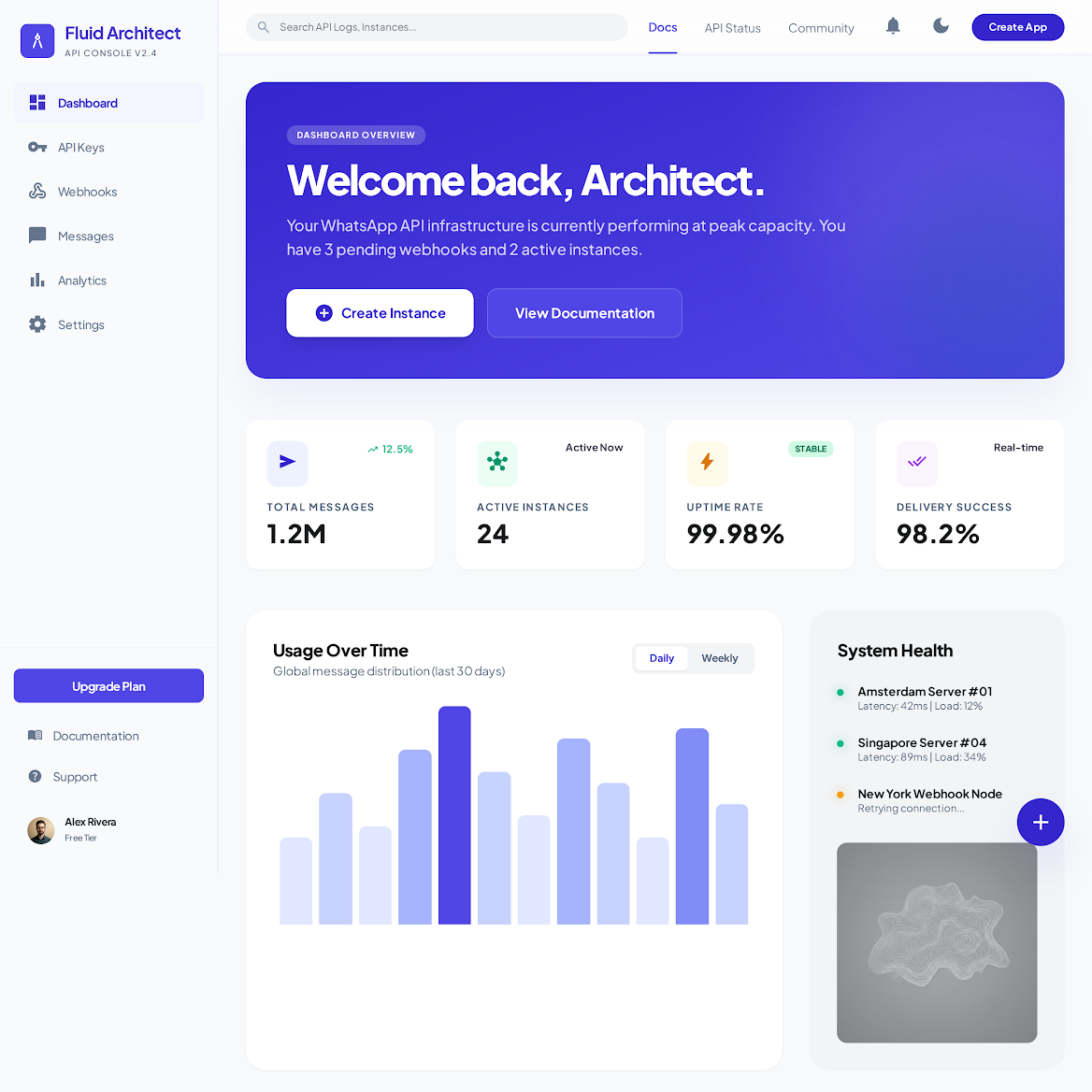
Start with one clear business flow: confirmations, support replies, or operational alerts. Keeping the first workflow small makes testing easier and gives your team a stable baseline.
Create a WhatsApp instance, scan the QR code, and wait until the instance is connected. After that, store your instance ID and bearer token in your backend configuration instead of exposing them in frontend code.
Send a controlled test message before going live. Check delivery behavior, confirm your logs, and make sure your team knows where to rotate tokens if access needs to change.